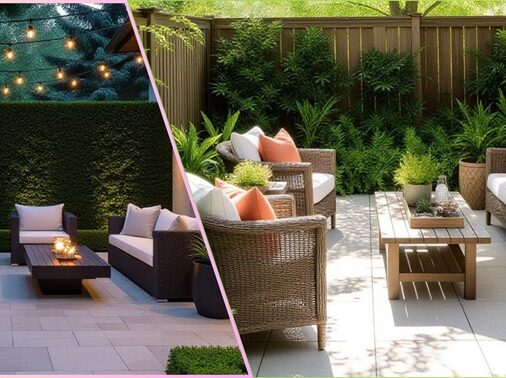
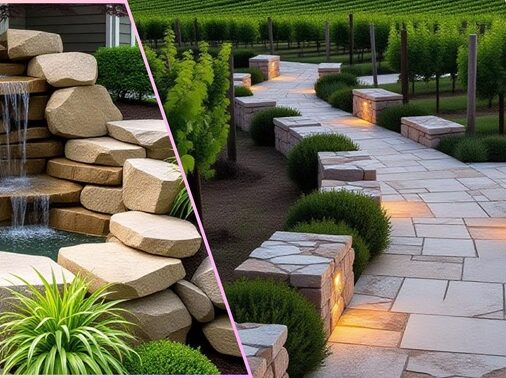
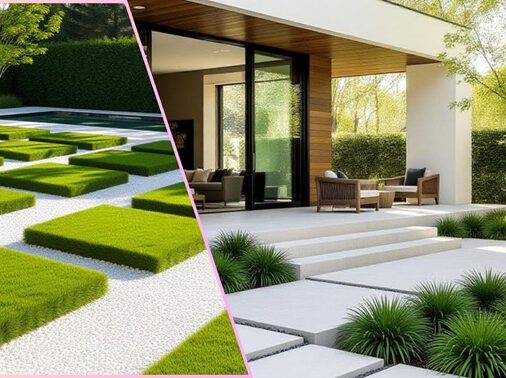
Have you ever stood on your porch, imagining where a patio or garden path could go—but wished you could see it first? That’s exactly how I felt before discovering 3D landscape design. My early yard sketches looked promising on paper, but the results didn’t match my vision. Once I tried virtual design tools, everything changed.
These tools allow you to see, test, and refine your dream yard before you start digging. In this article, I’ll show you exactly how to use 3D landscaping to plan smarter, save money, and design with confidence.
Why 3D Landscape Design Matters
3D landscape tools do more than make pretty renderings—they transform how you plan your outdoor space.
- Clarity & Confidence: Visualize your design in real scale before committing.
- Smarter Decisions: Test materials, plant choices, and lighting virtually.
- Fewer Surprises: Catch drainage or spacing issues early.
- Better Collaboration: Share your design with landscapers or contractors for precise communication.
Yes, some tools require a learning curve or a decent computer—but the results are well worth it.
Step-by-Step Landscaping Ideas Using 3D Design Tools
Here’s a practical roadmap you can follow to design your yard from concept to completion.
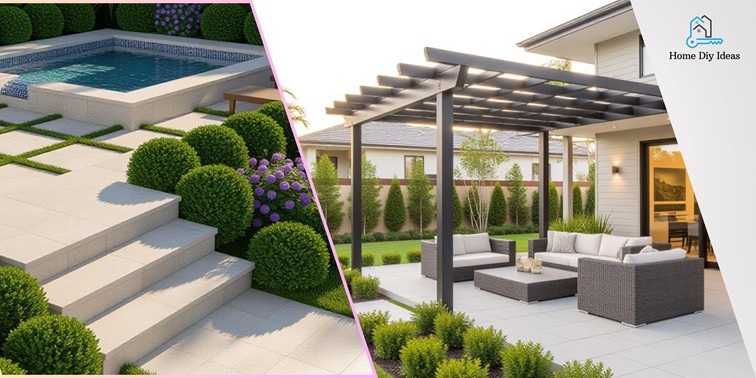
Phase 1: Site Survey & Base Modeling
- Measure your property – include boundaries, slopes, structures, and utilities.
- Import or draw your property in the 3D tool.
- Mark sun paths and shade zones to plan plant placement.
- Overlay existing features like patios, sheds, or fences.
✔️ Checklist – Capture These Essentials:
- Property dimensions
- Elevations and drainage
- Trees and major plants
- Utility lines
- North orientation
Phase 2: Define Zones & Circulation
Now create your layout zones and movement paths.
- Zones: Living (patio, dining), Garden, Utility, Play.
- Paths: Main walkways and secondary trails—avoid awkward shortcuts.
- Focal Points: Add elements like a fountain, fire pit, or pergola to draw the eye.
Tip: Start simple with wireframe blocks before adding textures.
Phase 3: Hardscape & Structures
- Add patios, decks, retaining walls, and pergolas in 3D.
- Test different materials and colors virtually to find the best fit.
- Add lighting elements and view the space at night.
- Adjust grades and elevations for proper drainage and flow.
| Project Type | Level of Detail | Focus Area | Common Pitfall |
| Small Patio | Basic zones + materials | Circulation | Overdesigning |
| Backyard Makeover | Mid-level: hardscape + lighting | Balance | Ignoring slope |
| Large Property | Full terrain modeling | Immersive walkthroughs | Rendering overload |
Phase 4: Softscape & Planting Layout
- Select plants suitable for your local climate and soil.
- Place plant models with accurate growth size in mind.
- Layer vegetation: Groundcovers → Shrubs → Trees for natural flow.
- Use growth simulations (if available) to preview future maturity.
Phase 5: Refine & Finalize
- Take a virtual walkthrough of your design.
- Get feedback from family or a landscaping pro.
- Export plans and material lists for real-world installation.
Pro Tip: Save multiple versions as your design evolves—you’ll want to revisit earlier ideas later.
FAQ: Common 3D Landscaping Questions
No. Most software is beginner-friendly, and tutorials guide you through basic steps. Start small and build confidence.
Not entirely—but it makes collaboration easier and helps you visualize before hiring, reducing costly miscommunications.
Some pro tools cost more, but there are free or low-cost versions with solid features for homeowners.
They’re as accurate as your measurements. Precise data equals realistic results.
Yes. Many programs let you view shade patterns or surface runoff, helping plan smarter landscaping.
Conclusion
Your yard transformation doesn’t have to be guesswork. With 3D landscape design, you can experiment, visualize, and perfect your space before a single shovel hits the soil.
When I embraced virtual design, my projects became faster, cleaner, and more enjoyable. Whether you’re creating a quiet retreat or a family entertainment zone, 3D tools turn your dream into a visual plan—and that’s where great landscapes begin.